An AI Glossary Worth Bookmarking

The Non-Techie's Guide to AI Jargon
AI is moving fast. The vocabulary is flying even faster. This is your no-fluff reference guide to the terms you need to know—so you can stay in the conversation, understand what's happening, and start thinking about what's possible.
-
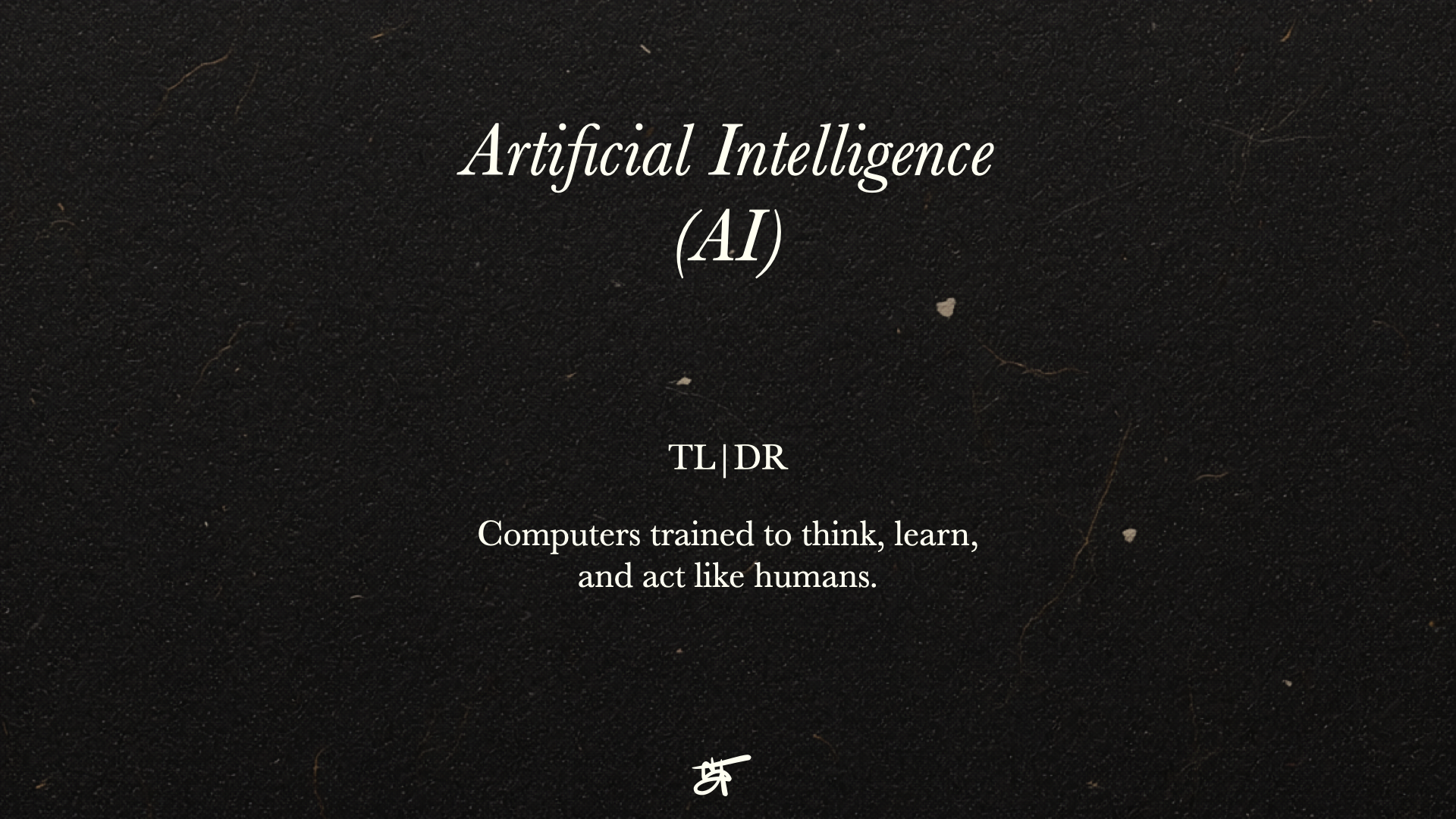
Teaching computers to perform tasks that used to require a human brain — like reading, recognizing images, making decisions, and solving problems.
TL;DR: Machines doing smart stuff.
-
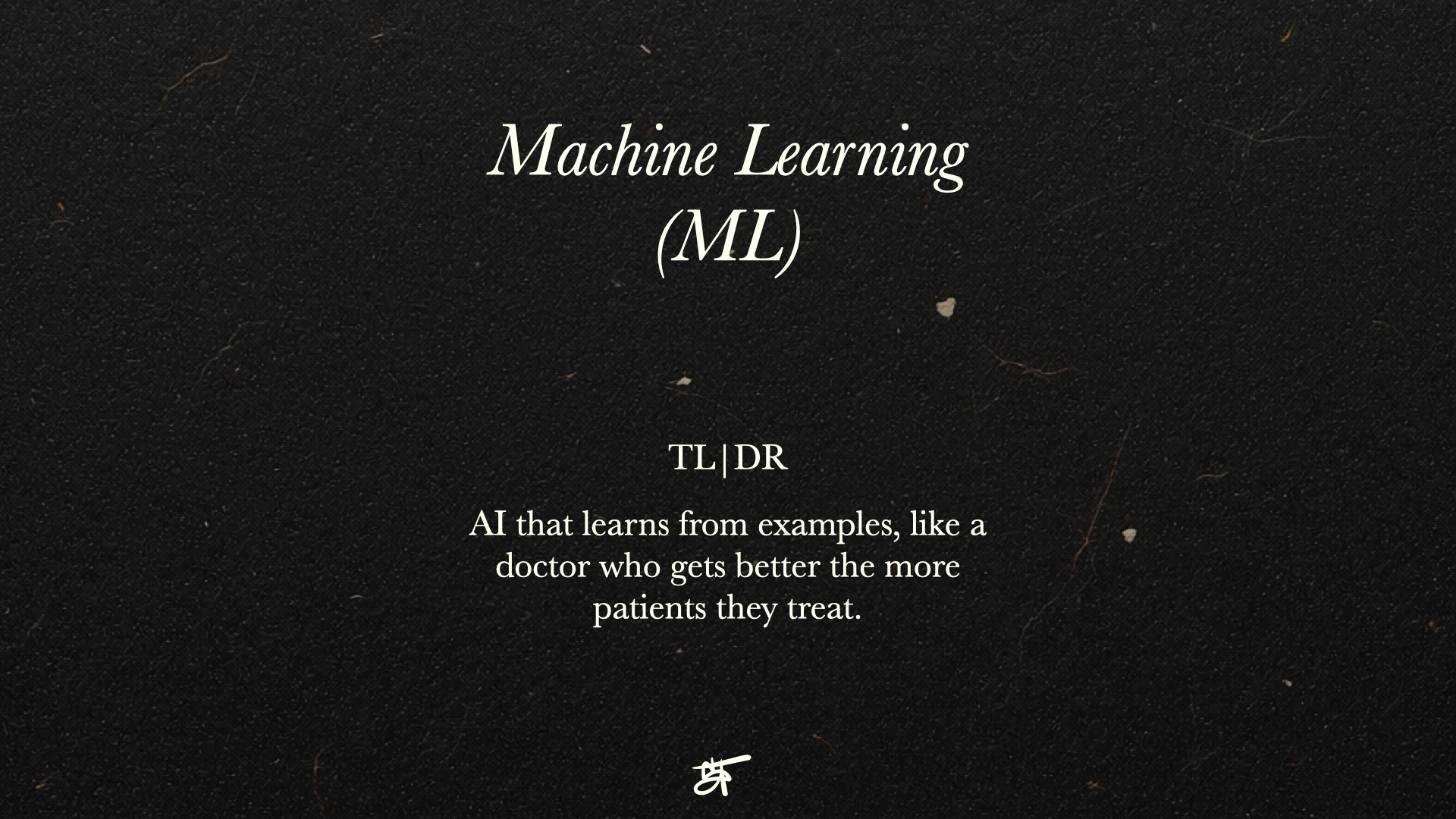
A type of AI that gets smarter the more it's used. Instead of following a fixed set of rules, it learns from patterns in data, and makes adjustments—the same way you'd get better at something the more you practice it.
TL;DR: AI that learns from examples, like a doctor who gets better the more patients they treat.
-
AI that generates (or creates) new content (like text, images, audio, video, code, etc.) based on patterns it learned during training. It's not just pulling up existing content — it's making something new.
TL;DR: AI that makes things.
-
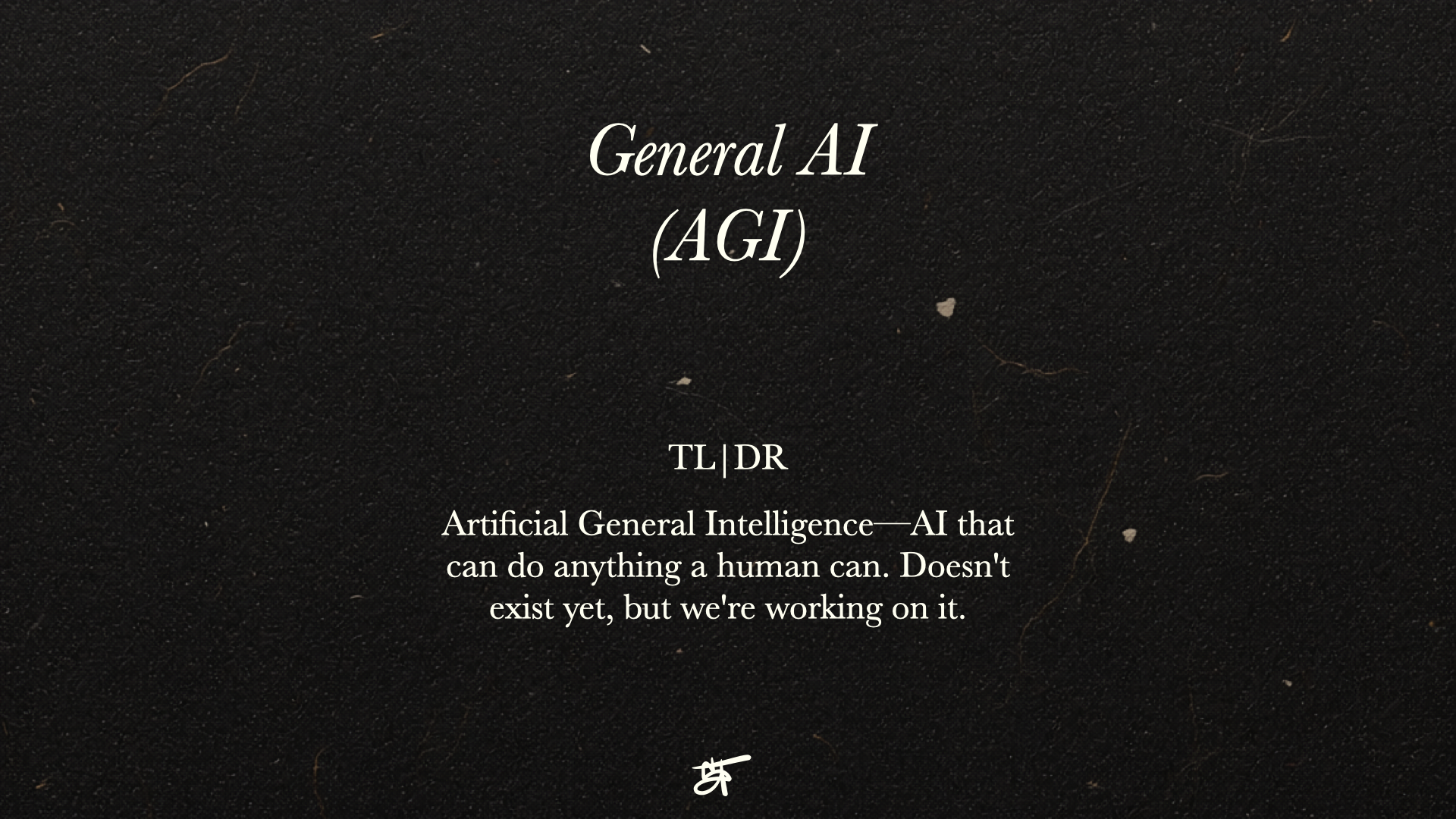
Artificial General Intelligence—a hypothetical AI that doesn’t exist yet. Every AI tool right now is a specialist—ChatGPT is great at language, image AI is great at visuals, but they can't do each other's jobs. AGI would be an AI that can do everything a human can—switch between any task, learn anything new, and figure things out on its own.
TL;DR: The sci-fi AI. We're not there. Yet.
-
The technology powering most AI chatbots. It's trained on massive amounts of text — books, articles, websites — so it can understand and respond in natural language. GPT, Claude, and Gemini are all LLMs.
TL;DR: An AI that learned to talk by reading most of the internet.
-
The input or instruction you give an AI. How you write your prompt massively affects the quality of the output. "Prompt engineering" is the skill of writing great prompts.
TL;DR: What you type to the AI. Better prompt = better result.
-
Think of it like a whiteboard. Everything written on it—your conversation, documents, instructions—is what the AI can see and work with. Once the whiteboard is full, older stuff gets erased to make room for new stuff. That's why AI can sometimes "forget" what you said earlier in a long conversation.
TL;DR: The AI's short-term memory. Bigger = better for long conversations.
-
AI systems that can take actions autonomously—browsing the web, running code, sending emails, or completing multi-step tasks—without needing you to guide every move. They plan and act, not just respond.
TL;DR: AI that does tasks for you, not just talks to you.
-
By default, AI only knows what it was trained on. RAG changes that. It lets AI pull from specific sources — your documents, your website, your database — before it responds. So instead of guessing, it's answering based on your actual information.
TL;DR: Giving AI access to your files so it actually knows what it's talking about.
-
When an AI confidently states something that's completely made up. It's not “lying”—it's pattern-matching gone wrong. Always verify important facts from AI outputs.
TL;DR: When AI makes stuff up and sounds totally sure about it.
-
Taking a pre-trained AI model and training it further on specific data so it becomes an expert in a particular domain—like customer support for your company or medical diagnoses.
TL;DR: Specializing a general AI for your specific niche or use case.
-
Most AI started with just text. Multimodal AI can process and respond to text, images, audio, and video — all in one model. You can show it a photo and ask a question. Play it audio and get a summary. It's one of the biggest leaps toward AI that experiences the world more like a human does. GPT-4o and Gemini are both multimodal.
TL;DR: AI that experiences the world more like a human—text, images, audio, and video all in one.
-
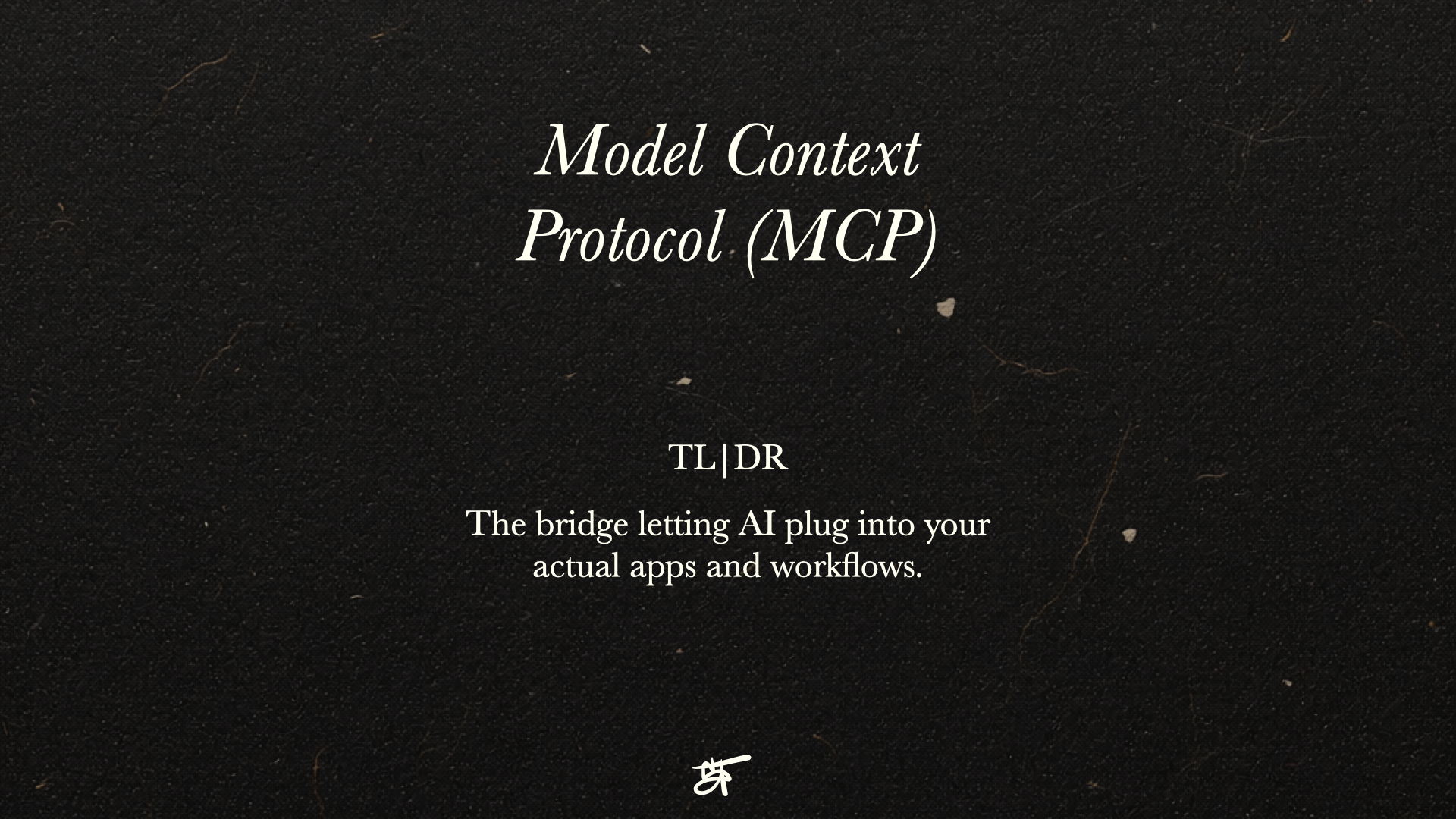
A new standard that lets AI connect directly to the tools you already use. Instead of just giving you instructions, it can take action — booking a meeting on your calendar, pulling a contact from your CRM, or searching your files. Think of it as the universal plug that lets AI work inside your actual world, not just talk about it.
TL;DR: The bridge letting AI plug into your actual apps and workflows.
-
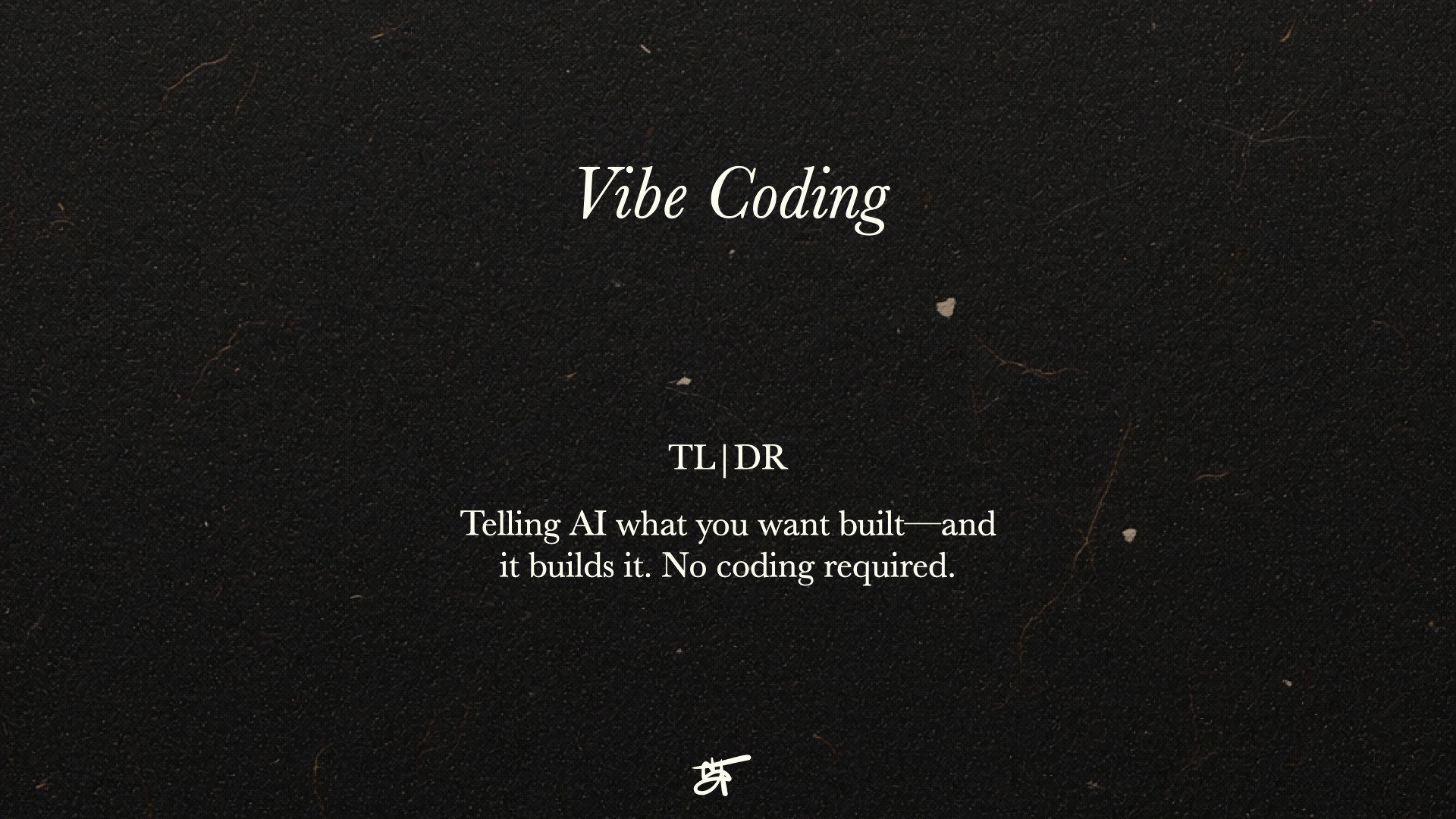
Writing software by describing what you want in plain English and letting AI write the actual code. No technical background needed. You give the idea, AI builds it. It's making software creation accessible to people who've never written a line of code in their life.
TL;DR: Telling AI what you want built—and it builds it. No coding required.
I'm not an AI expert—nor do I believe you need to be one. What I do know is that technology is moving fast, and the people who stay curious and informed are the ones who get to shape what comes next. This is my quick reference guide—and an open invitation for you to stay in the conversation alongside me. The more we understand these tools together, the more creatively and meaningfully we can put them to work.
Stay curious. Stay in the conversation.